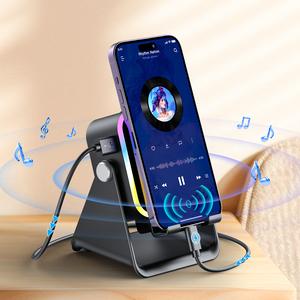
PUTARE Wireless Induction Audio Speaker Stand, 5in1 Cellphone Holder, 3500mAh Rechargeable Emergency Power Bank,360° Adjustable Mobile Tablet Stand with Colorful Ambient Light Gifts for Men Women,
12.5%10%
Loading…
14%12%
$1.76 per sale
 PUTAREVerified by GrowiVerified by TikTok Shop★ 4.5 · 3 items · $1.1M/mo GMV
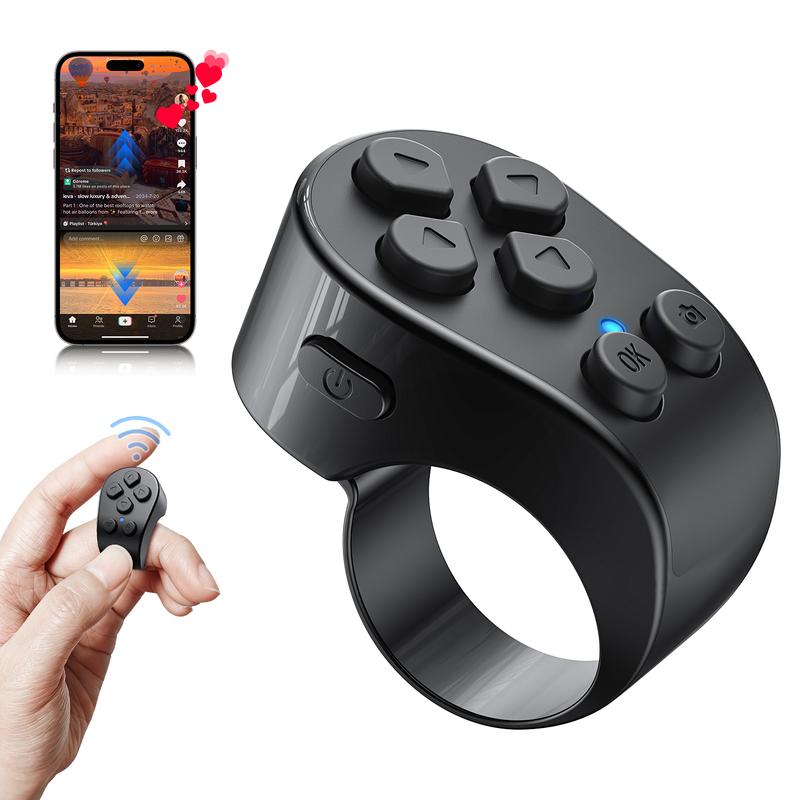
The Ultimate Lazy Tool for Endless Scrolling. Stop holding your phone and straining your hands. PUTARE Scrolling Ring lets you swipe up/down, pause, play, volume control, and continuous-like TikTok videos with a simple tap right from your finger. It doubles as a wireless camera shutter for perfect solo selfies up to 33 feet away and a cozy page turner for your favorite e-book apps. Built with an ergonomic design and Type-C fast charging that lasts for weeks of daily use.


PUTARE Scrolling Ring is compatible with iOS(version 14.8 and above) and Android devices.
NOTE: NOT Compatible with Motorola Razr Series and Galaxy S series.
MUST DO before Pairing on iPhone/iPad - Open the 'Zoom'feature.
Through 'Settings' - '>Accessibility' - 'Zoom' - Double-tap the screen with three fingers to restore (Set 1 Step 1-4)
Some users may encounter the following problems:
· Doesn't work when used again - Long press 'Camera' and 'OK' button at the same time to disconnect the previous device, then you can reconnect the device and use
· Zoom in on your phone screen - After turning on Zoom, the phone screen will zoom in. Double-tap the screen with three fingers to Zoom out.(Step 4)

Hands-Free TikTok Experience
Effortlessly swipe through videos, adjust volume levels, play/pause content, and send unlimited continuous likes during live streams without ever touching your phone screen.(Compatible with short video apps such as TikTok, Instagram Reels, Facebook Reels, YouTube Shorts, and Lemon8.)
Extra Features - Fast-forward YouTube Videos / Wake the phone screen / Swipe left and right across the home screen / Scroll up and down while browsing web pages / Switch music tracks.

33-Ft Wireless Camera Shutter
Snap flawless selfies, family portraits, or film transitions completely by yourself. Triggers your phone’s camera or video recording from up to 33 feet away. You can easily switch between the front and rear cameras using a button.


Cozy Bedtime E-Book Page Turner
Keep your arms warm under the blanket. Wirelessly turn pages on the Kindle App, reading apps, and Webnovels for ultra-comfortable, hands-free reading sessions. (Note: Supports reading APPs on phones/tablets; does not support standalone e-reader hardware).


Featherlight Ergonomic Fit
Designed as a sleek, lightweight smart ring that slides comfortably onto your finger. Perfect for multitasking while cooking, working out on a treadmill, or relaxing in bed.
Recommended Use Scenarios
The "Lazy Bed" Aesthetic Setup: Cozy up under your blankets on cold nights. Control your phone on a bedside stand or turn e-book pages without exposing your hands to the cold air.
Gym & Treadmill Cardio Companion: Mount your phone to the treadmill or gym machine. Scroll through TikTok or change video volumes safely while keeping your stride and workout momentum going.
Solo Content Creation & Get Ready With Me (GRWM): Set up your tripod and step back. Film your TikTok clips, pause recordings, or take high-quality selfies seamlessly without needing an assistant or utilizing awkward countdown timers.

FAQ
Q1: Why did my iPhone screen zoom in when I set this up?
A1: iOS requires the "Zoom" accessibility setting to recognize the ring. If your screen expands, simply double-tap your screen with three fingers to return the screen size to normal instantly.
Q2: Does this work directly on a physical Kindle device?
A2: No. This ring is explicitly engineered for smartphones and tablets. It works perfectly on the Kindle App, Webnovel, and other reading applications, but does not support standalone e-ink reading hardware.
Q3: What should I do if the ring stops connecting to my phone?
A3: If you experience a pairing issue, simply long-press the Camera and OK buttons at the same time. This resets and clears the previous device memory, allowing you to reconnect immediately.
Q4: Can I use this to fast-forward or skip through long videos?
A4: The ring is built to handle complete page flips, video swipes (up/down), pausing, playing, volume adjustments, and sending automated video likes.
12.5%10%
13.5%11%
12%10%
YOYOWAYVerified by GrowiVerified by TikTok Shop
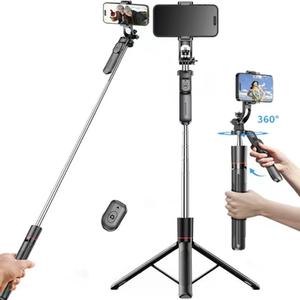
11.5%10%
YCC.Verified by GrowiVerified by TikTok Shop
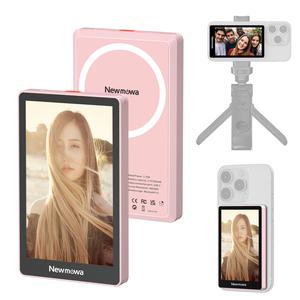
6.5%5%
Newmowa-DigitalVerified by GrowiVerified by TikTok Shop
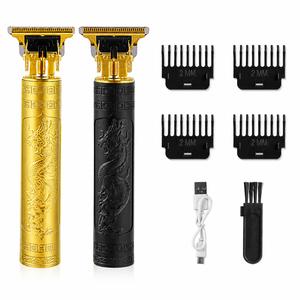
11%10%
SJWENMRVerified by GrowiVerified by TikTok Shop
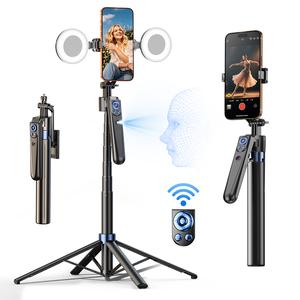
9%8%
INFOJIFAVerified by GrowiVerified by TikTok Shop

12.5%10%
UlanziVerified by GrowiVerified by TikTok Shop

11%10%
Weilisi ShopVerified by GrowiVerified by TikTok Shop
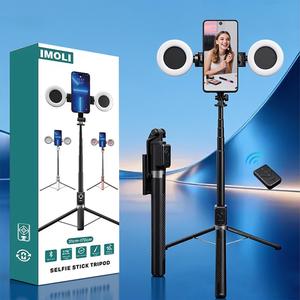
12%10%
YOYOWAYVerified by GrowiVerified by TikTok Shop
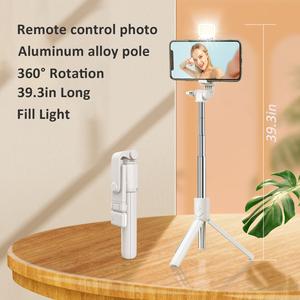
14.8%10%
Happy PinchuangVerified by GrowiVerified by TikTok Shop
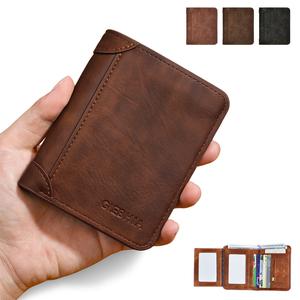
14%13%
LSHE ShopVerified by GrowiVerified by TikTok Shop
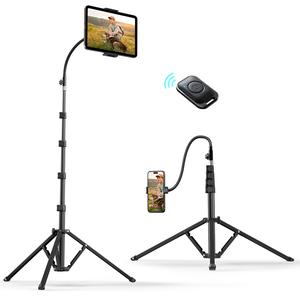
13%11%
Weilisi ShopVerified by GrowiVerified by TikTok Shop
13.8%12.5%
MuchBetter001Verified by GrowiVerified by TikTok Shop
14%12%
$1.76 per sale
PUTAREVerified by GrowiVerified by TikTok Shop★ 4.5 · 3 items · $1.1M/mo GMVThe Ultimate Lazy Tool for Endless Scrolling. Stop holding your phone and straining your hands. PUTARE Scrolling Ring lets you swipe up/down, pause, play, volume control, and continuous-like TikTok videos with a simple tap right from your finger. It doubles as a wireless camera shutter for perfect solo selfies up to 33 feet away and a cozy page turner for your favorite e-book apps. Built with an ergonomic design and Type-C fast charging that lasts for weeks of daily use.
PUTARE Scrolling Ring is compatible with iOS(version 14.8 and above) and Android devices.
NOTE: NOT Compatible with Motorola Razr Series and Galaxy S series.
MUST DO before Pairing on iPhone/iPad - Open the 'Zoom'feature.
Through 'Settings' - '>Accessibility' - 'Zoom' - Double-tap the screen with three fingers to restore (Set 1 Step 1-4)
Some users may encounter the following problems:
· Doesn't work when used again - Long press 'Camera' and 'OK' button at the same time to disconnect the previous device, then you can reconnect the device and use
· Zoom in on your phone screen - After turning on Zoom, the phone screen will zoom in. Double-tap the screen with three fingers to Zoom out.(Step 4)
Hands-Free TikTok Experience
Effortlessly swipe through videos, adjust volume levels, play/pause content, and send unlimited continuous likes during live streams without ever touching your phone screen.(Compatible with short video apps such as TikTok, Instagram Reels, Facebook Reels, YouTube Shorts, and Lemon8.)
Extra Features - Fast-forward YouTube Videos / Wake the phone screen / Swipe left and right across the home screen / Scroll up and down while browsing web pages / Switch music tracks.
33-Ft Wireless Camera Shutter
Snap flawless selfies, family portraits, or film transitions completely by yourself. Triggers your phone’s camera or video recording from up to 33 feet away. You can easily switch between the front and rear cameras using a button.
Cozy Bedtime E-Book Page Turner
Keep your arms warm under the blanket. Wirelessly turn pages on the Kindle App, reading apps, and Webnovels for ultra-comfortable, hands-free reading sessions. (Note: Supports reading APPs on phones/tablets; does not support standalone e-reader hardware).
Featherlight Ergonomic Fit
Designed as a sleek, lightweight smart ring that slides comfortably onto your finger. Perfect for multitasking while cooking, working out on a treadmill, or relaxing in bed.
Recommended Use Scenarios
The "Lazy Bed" Aesthetic Setup: Cozy up under your blankets on cold nights. Control your phone on a bedside stand or turn e-book pages without exposing your hands to the cold air.
Gym & Treadmill Cardio Companion: Mount your phone to the treadmill or gym machine. Scroll through TikTok or change video volumes safely while keeping your stride and workout momentum going.
Solo Content Creation & Get Ready With Me (GRWM): Set up your tripod and step back. Film your TikTok clips, pause recordings, or take high-quality selfies seamlessly without needing an assistant or utilizing awkward countdown timers.
FAQ
Q1: Why did my iPhone screen zoom in when I set this up?
A1: iOS requires the "Zoom" accessibility setting to recognize the ring. If your screen expands, simply double-tap your screen with three fingers to return the screen size to normal instantly.
Q2: Does this work directly on a physical Kindle device?
A2: No. This ring is explicitly engineered for smartphones and tablets. It works perfectly on the Kindle App, Webnovel, and other reading applications, but does not support standalone e-ink reading hardware.
Q3: What should I do if the ring stops connecting to my phone?
A3: If you experience a pairing issue, simply long-press the Camera and OK buttons at the same time. This resets and clears the previous device memory, allowing you to reconnect immediately.
Q4: Can I use this to fast-forward or skip through long videos?
A4: The ring is built to handle complete page flips, video swipes (up/down), pausing, playing, volume adjustments, and sending automated video likes.
12.5%10%
13.5%11%
12%10%
YOYOWAYVerified by GrowiVerified by TikTok Shop
11.5%10%
YCC.Verified by GrowiVerified by TikTok Shop
6.5%5%
Newmowa-DigitalVerified by GrowiVerified by TikTok Shop
11%10%
SJWENMRVerified by GrowiVerified by TikTok Shop
9%8%
INFOJIFAVerified by GrowiVerified by TikTok Shop
12.5%10%
UlanziVerified by GrowiVerified by TikTok Shop
11%10%
Weilisi ShopVerified by GrowiVerified by TikTok Shop
12%10%
YOYOWAYVerified by GrowiVerified by TikTok Shop
14.8%10%
Happy PinchuangVerified by GrowiVerified by TikTok Shop
14%13%
LSHE ShopVerified by GrowiVerified by TikTok Shop
13%11%
Weilisi ShopVerified by GrowiVerified by TikTok Shop
13.8%12.5%
MuchBetter001Verified by GrowiVerified by TikTok Shop