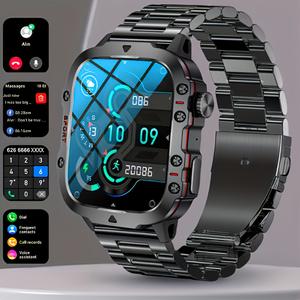
🕒 Smart Watch Overview
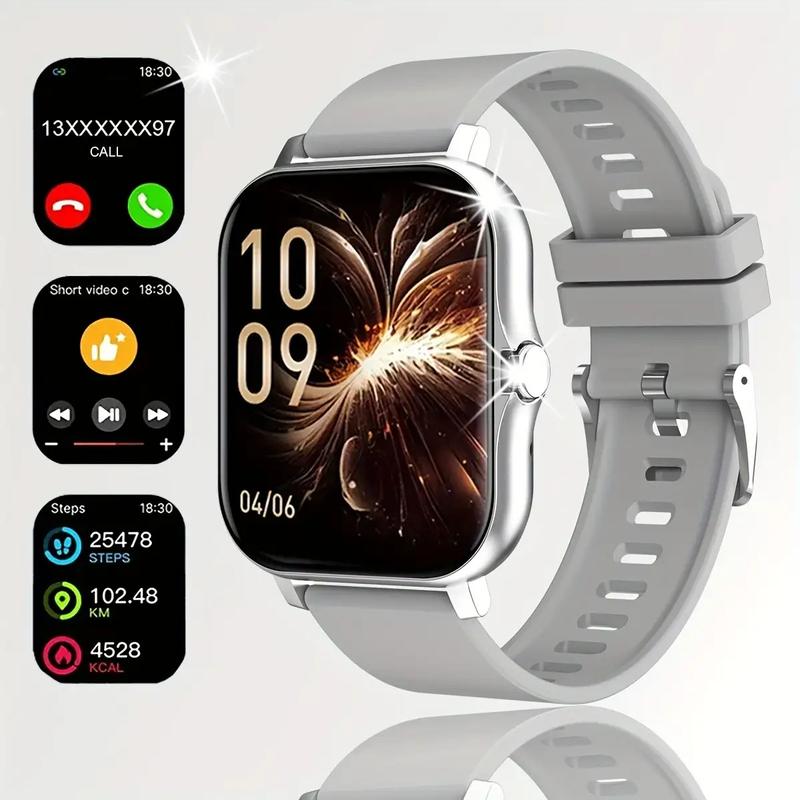
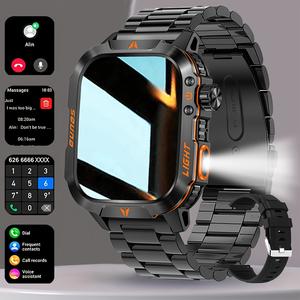
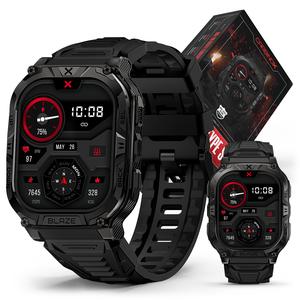
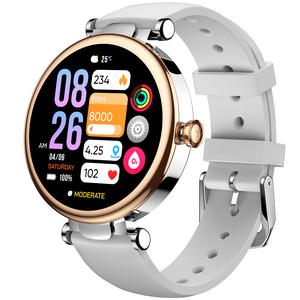
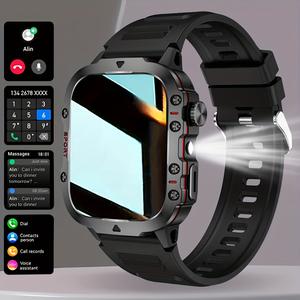
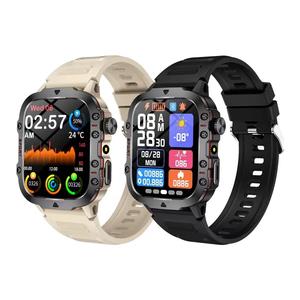
This smart watch offers wireless talking/dialing and multi-sport modes. It includes call and SMS reminders, along with various app notifications. The multi-function display features an HD screen for clear visibility. Available in multiple colors, it's perfect as a gift. The watch is rechargeable via USB and powered by a lithium polymer battery.
🔋 Power and Battery Details
- Power Mode: USB Charging
- Operating Voltage: ≤36V
- Battery Capacity: 180 mAh
- Battery Type: Rechargeable Lithium Polymer Battery
- Wireless Property: Wireless communication capabilities
- Ensure your device stays powered with reliable charging options.
📱 Screen and Body Specifications
The watch boasts a TFT screen with a resolution of 240p. The body is made of alloy, ensuring durability. The strap is crafted from TPU for comfort. The screen size is 1.83 inches, providing a compact yet clear view. This smart watch combines functionality with style, suitable for everyday use.
This smartwatch allows you to change some watch faces directly on the watch, or you can change the watch faces through the mobile app. If you have trouble connecting the watch to your phone, you can watch the linked video. If you encounter any problems while changing watch faces or connecting to your phone, you can contact our customer service for assistance.
Please note: The maximum connection distance between the watch and the phone is 50m. If this distance is exceeded, the watch may disconnect from the phone.


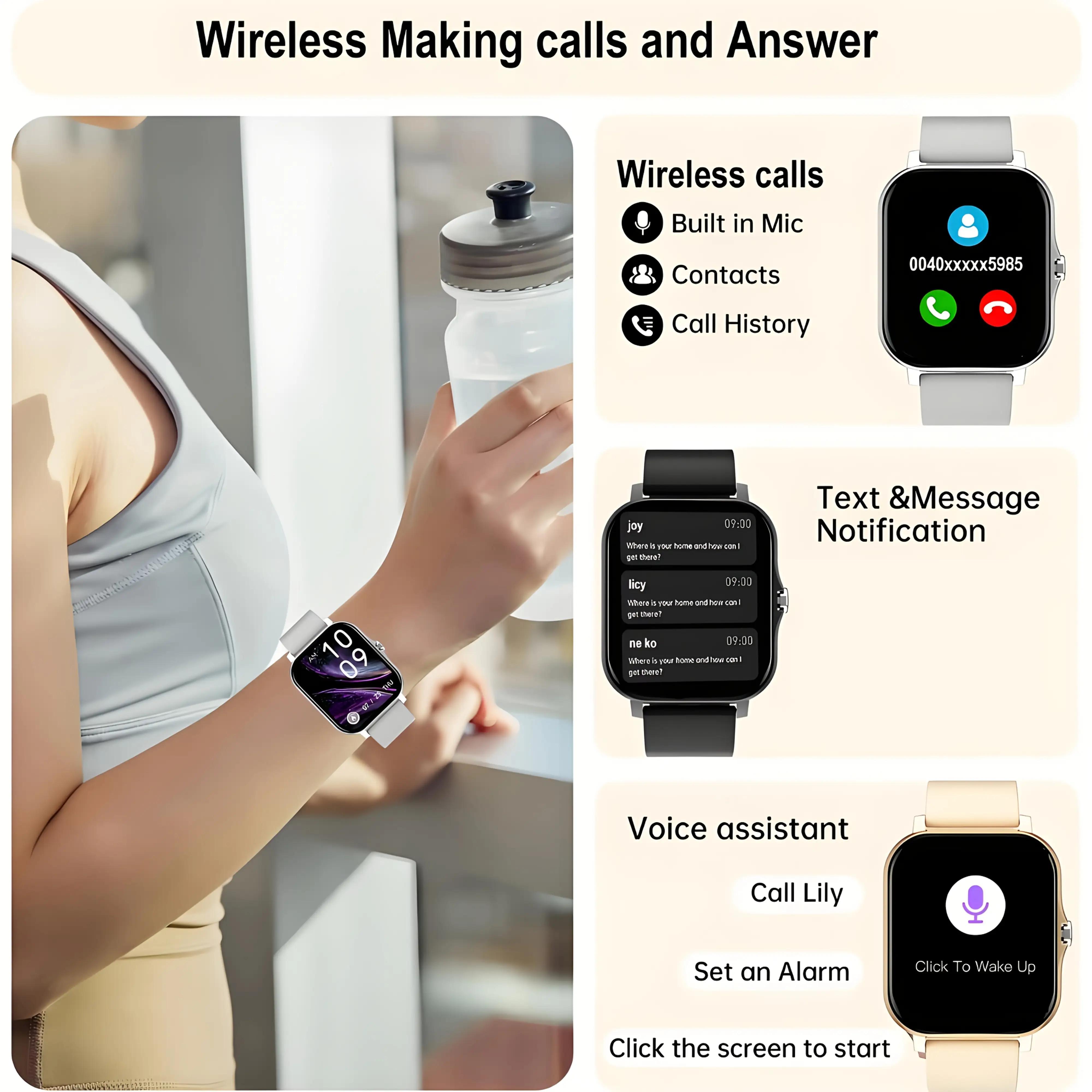


Note: It is normal if there are scratches on the screen after receiving the product because we have applied a protective film on the screen surface for transportation. You can remove it and use it after receiving the product. If the charger is damaged or missing, please contact us, and we will send a replacement.
If you encounter a product that can't turn on or off or crashes frequently, for example: can't turn on, crashes upon arrival, can't turn on while charging, please check if the watch screen shows the charging icon while charging. If not, contact the store's customer service promptly to resolve the issue.
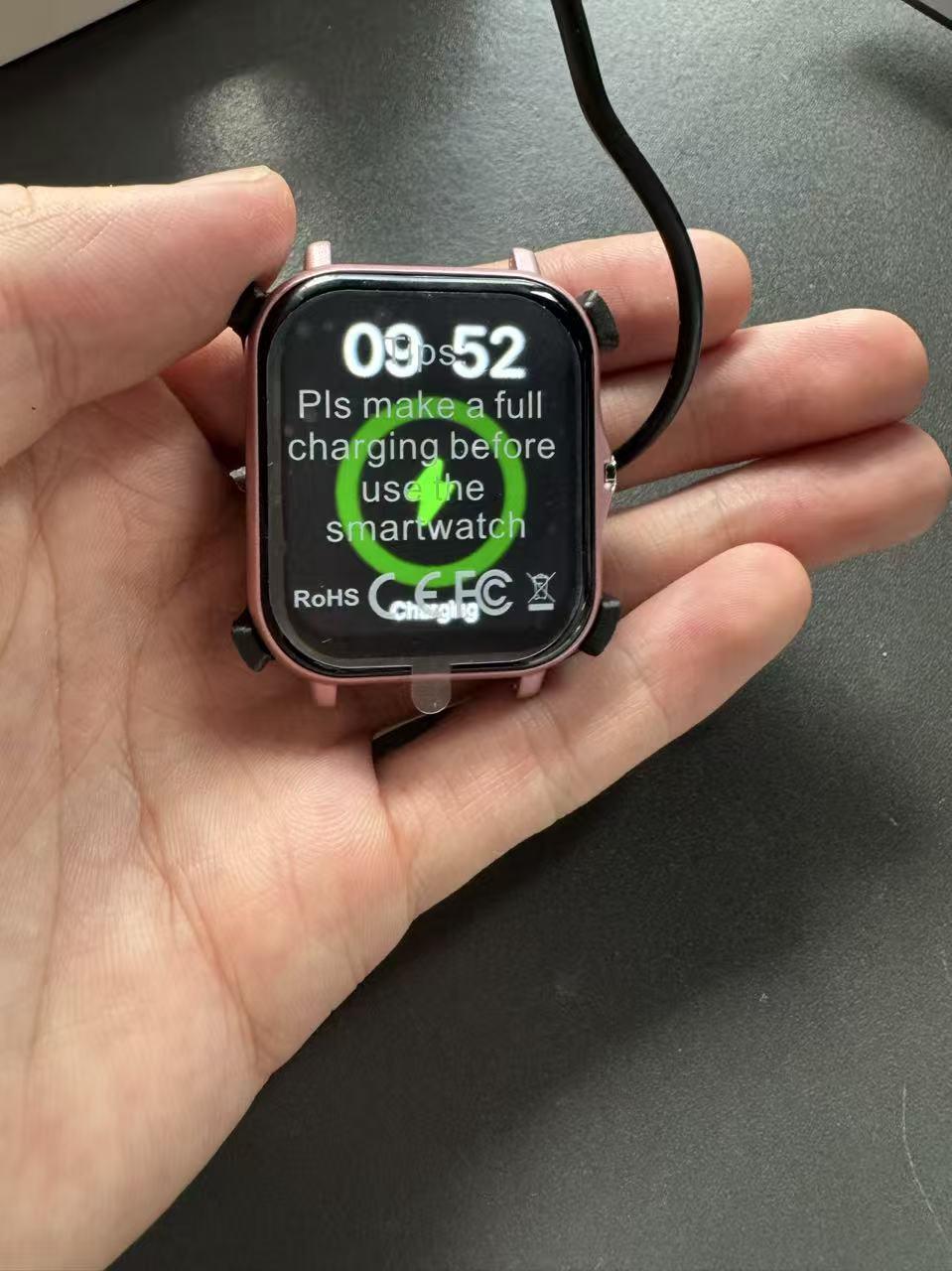
Charging Tutorial
You need to connect the charger and the charging head, then align the metal plate on the back of the watch with the metal plate on the charger and press the watch onto the charger.
After plugging the charger into the power source, the watch screen showing this symbol indicates that the watch is charging.

Please note: If the watch cannot be turned on, the charger does not display charging, the product is missing instructions, or there are issues with the watch strap, please contact customer service promptly to resolve this issue for you.
If the product cannot be powered on or charged, please contact us in time so that we can handle this problem for you.
Please note that the maximum connection distance between the watch and the phone is 50 meters. If the distance is too far, disconnection may occur.
Solutions for when your phone and watch often disconnect or have an unstable connection:
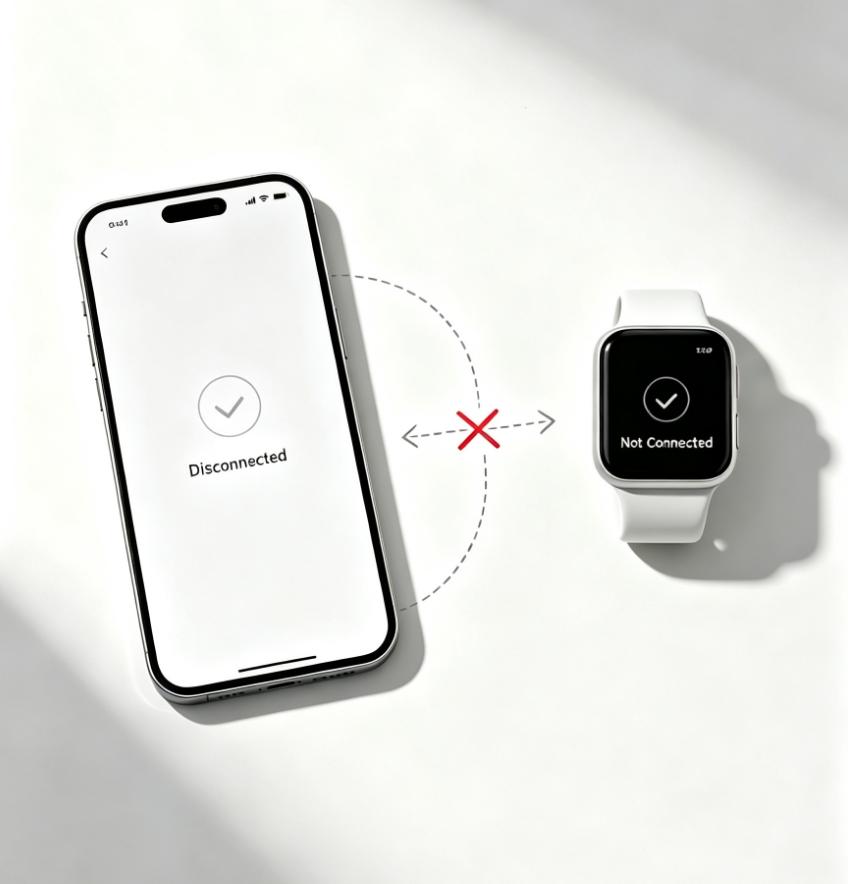
1: If you can't connect, please check if the steps in the manual are correct or watch the video tutorial from the purchase link to connect. If it still doesn't work, contact the seller's customer service for help.
2: If it gets disconnected, please make sure to keep your watch and phone within 50m of each other; if the distance is exceeded, it will automatically disconnect.
Note: If the smartwatch can't connect to your phone, send messages, or track steps, these functions are not supported. Please check the product tutorial in the link or contact the store's customer service to resolve this issue.