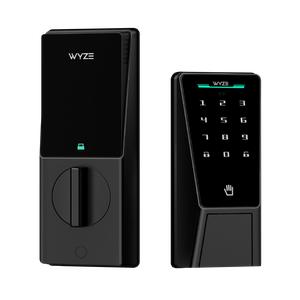
Wyze Palm Lock — Wi-Fi Palm Recognition Smart Lock for Front Door, Keyless & Touchless Entry, Modern Design, Auto-Lock, Easy Installation, Deadbolt Replacement, IP53 Weatherproof
12.5%10%
WyzeVerified by GrowiVerified by TikTok Shop
Loading…
7%6%
$1.96 per sale
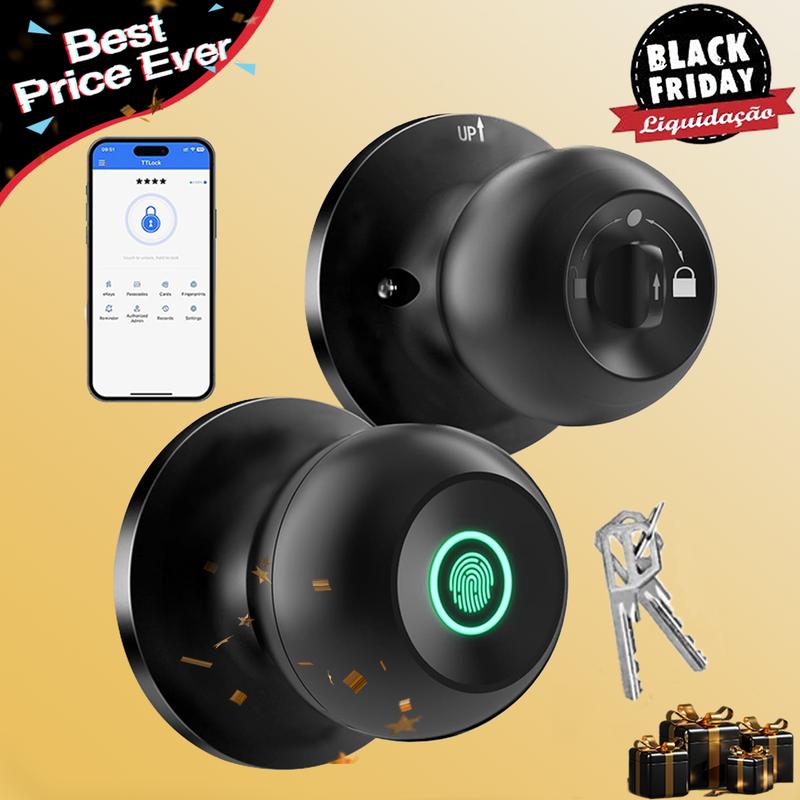
EEUERTE USVerified by GrowiVerified by TikTok Shop1 itemsSmart Fingerprint Door Lock: Secure Your Space with Ease
🔍 3-in-1 Fingerprint Door Knob:
🔒 Emergency Backup Key:
📱 Smart App & Smart Life App Control:
🔒 5s Auto-Lock Feature:
🔋 Rechargeable Battery:
🔧 10-Minute Easy Installation:
Suitable for:
Handle Hardware:
Upgrade your door security with the Smart Fingerprint Door Lock.


Q: Why is the lock not responding even though I plugged in the emergency charging cable?
A: Please ensure you are using a USB-A to USB-C cable. Note that dual Type-C (USB-C to USB-C) cables are incompatible and will not charge the device.
Tips: Charge the lock when the low battery indicator appears.
This product does not include a charging cable.

Q:How to extend the battery service life?
A:Charge the battery when the APP shows the power level is above 10%. Do not wait until it drops to 0% to charge it.
Q: After installing the new lock, what should I do to pair and set it up?
A: Please confirm that the phone's Bluetooth,Wi-Fi, or Mobile Network and Location permission is tumned on for the App, When pairing the smart door lock with App, touch fingerprint screen activated to automatically search.
Please make sure the bluetooth is on and touch the fingerprint to wake the lock first. And it might automatically connect to another phone near you. Please make sure it's not.
Q:How to pair the APP with Alexa and set other languages?
A:Alexa pairing: Go to Settings - Gateway - Connect Device, and ensure that your phone and the device are connected to the same network.
Language settings: Settings - Languages- select the corresponding language.
Q: Why does the handle keep falling off?
A:When installing the product, please pay attention to the direction of the latch. Install with the arrow pointing upward.Please refer to the installation video, manual, or illustrations in the product details. Incorrect installation will result in the door lock not opening properly.
Q: Why can't I lock the door?
A: Check if you turn the Interior Knob to Passage Mode that Passage Mode is unlock Mode, you can't lock the door no matter how. You need to turn to Normal Mode, which you can use the APP to lock the door or it will auto lock in 5s.

A:Please re-install the device following the manual once more. Note: If the square hole is oriented incorrectly, please use the square spindle to adjust it.

Tips: To protect the metal components, please wait until the installation is complete before peeling off the white protective film. This prevents scratches or dents during the assembly process.

Q: My fingerprint didn't work well on the smart door lock or the lock sometimes failed to unlock.
A: Please place your dry and dlean fingers at the center of the recognition area to ensure a larger area is scanned. With 5 times error, the fingerprints can't unlock for 2 minutes. Please retry after 2 minutes or use the App or Backup keys to unlock.

Q: What type of door is suitable for?
A: Applicable for wooden or steel doors with a thickness of 35-55mm. Note: The latch's status should be horizontal.


Package Includes: 1 x Exterior Knob, 1 x Interior Knob, 1 x Latch, 1 x Strike Plate, 1 x Strike Box, 4 x Screw A, 2 x Screw B, 2 x Keys, 1 x Pin, 1 x User Manual.
12.5%10%
WyzeVerified by GrowiVerified by TikTok Shop
9%8%
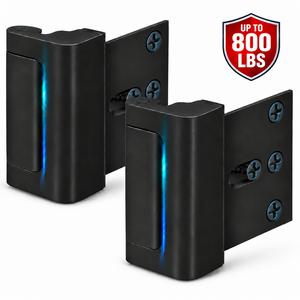
ApexGo TrainingVerified by GrowiVerified by TikTok Shop
11.5%8%
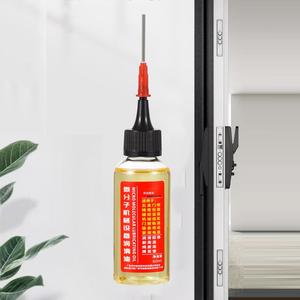
H&B HavenVerified by GrowiVerified by TikTok Shop
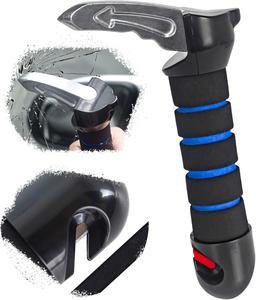
16.5%15%
HATONE INCVerified by GrowiVerified by TikTok Shop
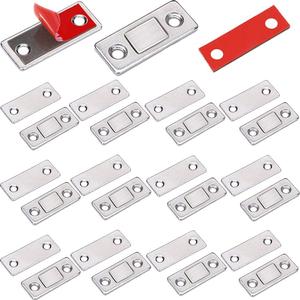
16%14.5%
UrbanTokShopVerified by GrowiVerified by TikTok Shop
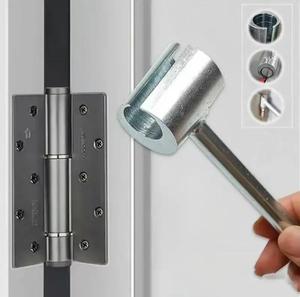
12.5%10%
JUNJJFU INCVerified by GrowiVerified by TikTok Shop
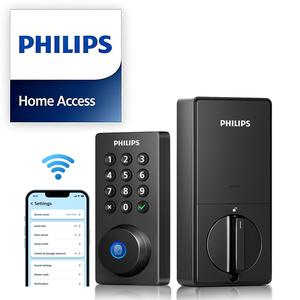
8.5%8%
Philips Smart LockVerified by GrowiVerified by TikTok Shop
11.3%9.5%
UbsOneVerified by GrowiVerified by TikTok Shop
7.5%5%
UbsOneVerified by GrowiVerified by TikTok Shop
7%6%
$1.96 per sale
EEUERTE USVerified by GrowiVerified by TikTok Shop1 itemsSmart Fingerprint Door Lock: Secure Your Space with Ease
🔍 3-in-1 Fingerprint Door Knob:
🔒 Emergency Backup Key:
📱 Smart App & Smart Life App Control:
🔒 5s Auto-Lock Feature:
🔋 Rechargeable Battery:
🔧 10-Minute Easy Installation:
Suitable for:
Handle Hardware:
Upgrade your door security with the Smart Fingerprint Door Lock.
Q: Why is the lock not responding even though I plugged in the emergency charging cable?
A: Please ensure you are using a USB-A to USB-C cable. Note that dual Type-C (USB-C to USB-C) cables are incompatible and will not charge the device.
Tips: Charge the lock when the low battery indicator appears.
This product does not include a charging cable.
Q:How to extend the battery service life?
A:Charge the battery when the APP shows the power level is above 10%. Do not wait until it drops to 0% to charge it.
Q: After installing the new lock, what should I do to pair and set it up?
A: Please confirm that the phone's Bluetooth,Wi-Fi, or Mobile Network and Location permission is tumned on for the App, When pairing the smart door lock with App, touch fingerprint screen activated to automatically search.
Please make sure the bluetooth is on and touch the fingerprint to wake the lock first. And it might automatically connect to another phone near you. Please make sure it's not.
Q:How to pair the APP with Alexa and set other languages?
A:Alexa pairing: Go to Settings - Gateway - Connect Device, and ensure that your phone and the device are connected to the same network.
Language settings: Settings - Languages- select the corresponding language.
Q: Why does the handle keep falling off?
A:When installing the product, please pay attention to the direction of the latch. Install with the arrow pointing upward.Please refer to the installation video, manual, or illustrations in the product details. Incorrect installation will result in the door lock not opening properly.
Q: Why can't I lock the door?
A: Check if you turn the Interior Knob to Passage Mode that Passage Mode is unlock Mode, you can't lock the door no matter how. You need to turn to Normal Mode, which you can use the APP to lock the door or it will auto lock in 5s.
A:Please re-install the device following the manual once more. Note: If the square hole is oriented incorrectly, please use the square spindle to adjust it.
Tips: To protect the metal components, please wait until the installation is complete before peeling off the white protective film. This prevents scratches or dents during the assembly process.
Q: My fingerprint didn't work well on the smart door lock or the lock sometimes failed to unlock.
A: Please place your dry and dlean fingers at the center of the recognition area to ensure a larger area is scanned. With 5 times error, the fingerprints can't unlock for 2 minutes. Please retry after 2 minutes or use the App or Backup keys to unlock.
Q: What type of door is suitable for?
A: Applicable for wooden or steel doors with a thickness of 35-55mm. Note: The latch's status should be horizontal.
Package Includes: 1 x Exterior Knob, 1 x Interior Knob, 1 x Latch, 1 x Strike Plate, 1 x Strike Box, 4 x Screw A, 2 x Screw B, 2 x Keys, 1 x Pin, 1 x User Manual.
12.5%10%
WyzeVerified by GrowiVerified by TikTok Shop
9%8%
ApexGo TrainingVerified by GrowiVerified by TikTok Shop
11.5%8%
H&B HavenVerified by GrowiVerified by TikTok Shop
16.5%15%
HATONE INCVerified by GrowiVerified by TikTok Shop
16%14.5%
UrbanTokShopVerified by GrowiVerified by TikTok Shop
12.5%10%
JUNJJFU INCVerified by GrowiVerified by TikTok Shop
8.5%8%
Philips Smart LockVerified by GrowiVerified by TikTok Shop
11.3%9.5%
UbsOneVerified by GrowiVerified by TikTok Shop
7.5%5%
UbsOneVerified by GrowiVerified by TikTok Shop